> For the complete documentation index, see [llms.txt](https://docs.nf.domains/llms.txt). Markdown versions of documentation pages are available by appending `.md` to page URLs; this page is available as [Markdown](https://docs.nf.domains/nfd-docs/guides/nfd-profile.md).
# NFD Profile
Everything about an NFD Profile
On every NFD profile you're able to see lots of data. On the header you're able to see name, bio, verified social medias, and [influencer](/nfd-docs/guides/analytics/influencer-leaderboard.md) & [donation](/nfd-docs/guides/analytics/donations-leaderboard.md) badges.
In preferences (edit -> preferences) users are able to toggle the influencer badge on or off.
Information is broken up into different tabs on the profile - Details, Assets, Segments & More.
Example Profile
### Details
All metadata that is added to an NFD is visible in the 'Details' tab. This includes name, bio, verified & unverified addresses, social media links, email, websites and more. To learn more visit[Manage NFDs](/nfd-docs/guides/manage-nfds.md)
Verified social media accounts show up at the top of the profile view under 'Verified'.
### Assets
The NFD Assets tab aggregates all of the users NFTs and tokens between all linked accounts under one view. This is a powerful tool for creators as they can self identify their collections. Marketplaces can rely on creators self labeling their collections via NFDs.
You can toggle between Owned, For Sale & Creations.
The For Sale tab only displays NFTs listed for sale on Rand Gallery, ALGOxNFT and Exa.market.
Find more on the Assets tab in [Assets & Vaults](/nfd-docs/guides/manage-nfds/assets-and-vaults.md)
Owned Assets Tab
### Segments
Segments are distinct, sovereign NFDs that can be minted off root NFDs, adding an additional level that is separated by a “.”
Commonly known as 'sub-domains'.
Read all about Segments in [Segments](/nfd-docs/guides/manage-nfds/segments.md).
### Details (Sales, Offers & History)
Sales shows a chronological list of sales & transfers of the NFD.
Sales History
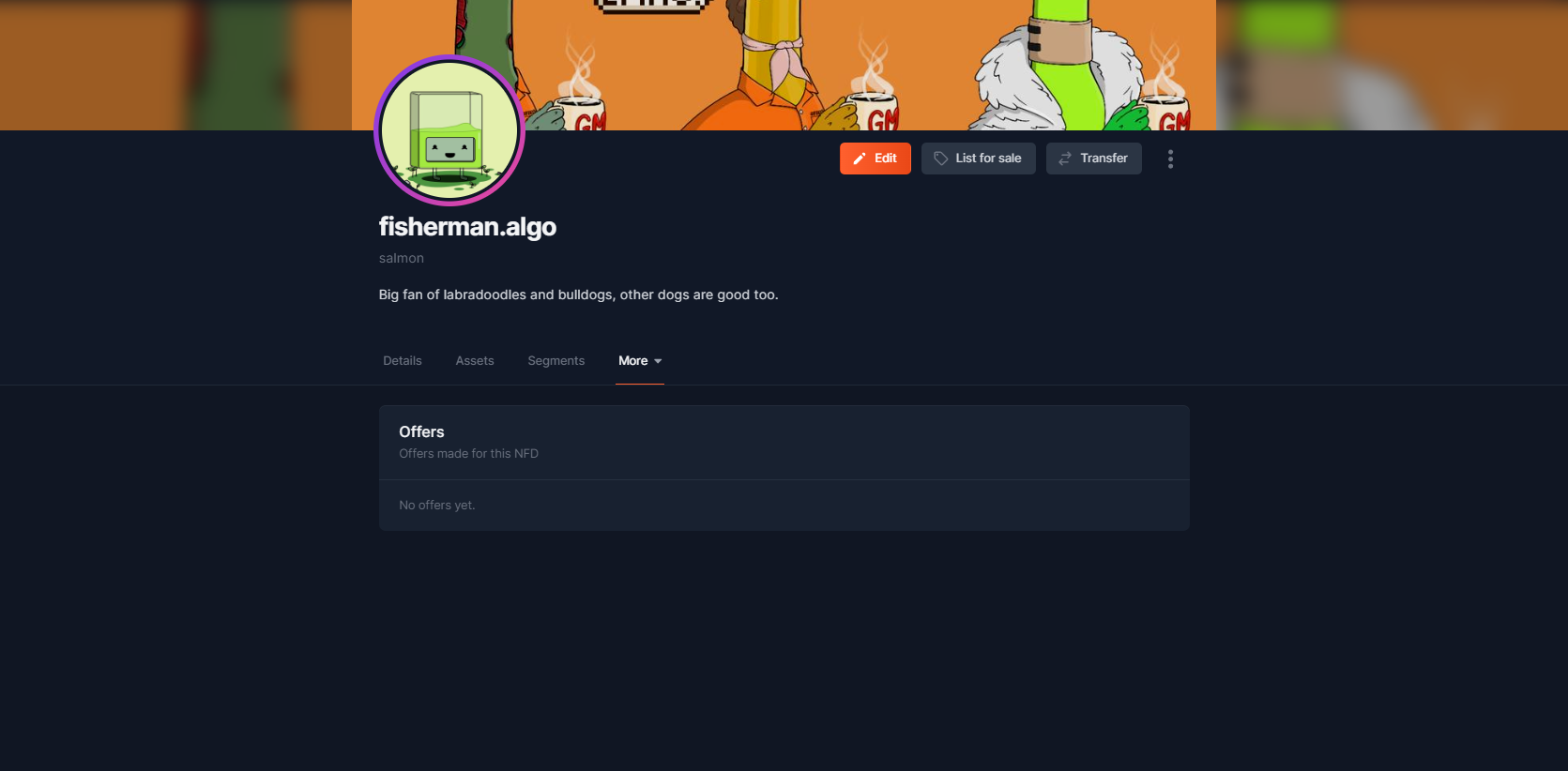
Offers shows a chronological list of all offers received for the NFD.
Offers History
History shows a detailed chronological list of every update made to an NFD. This shows sales history and changes to the metadata.